
When Is a Tablet Keyboard or Stylus Actually Worth Buying?
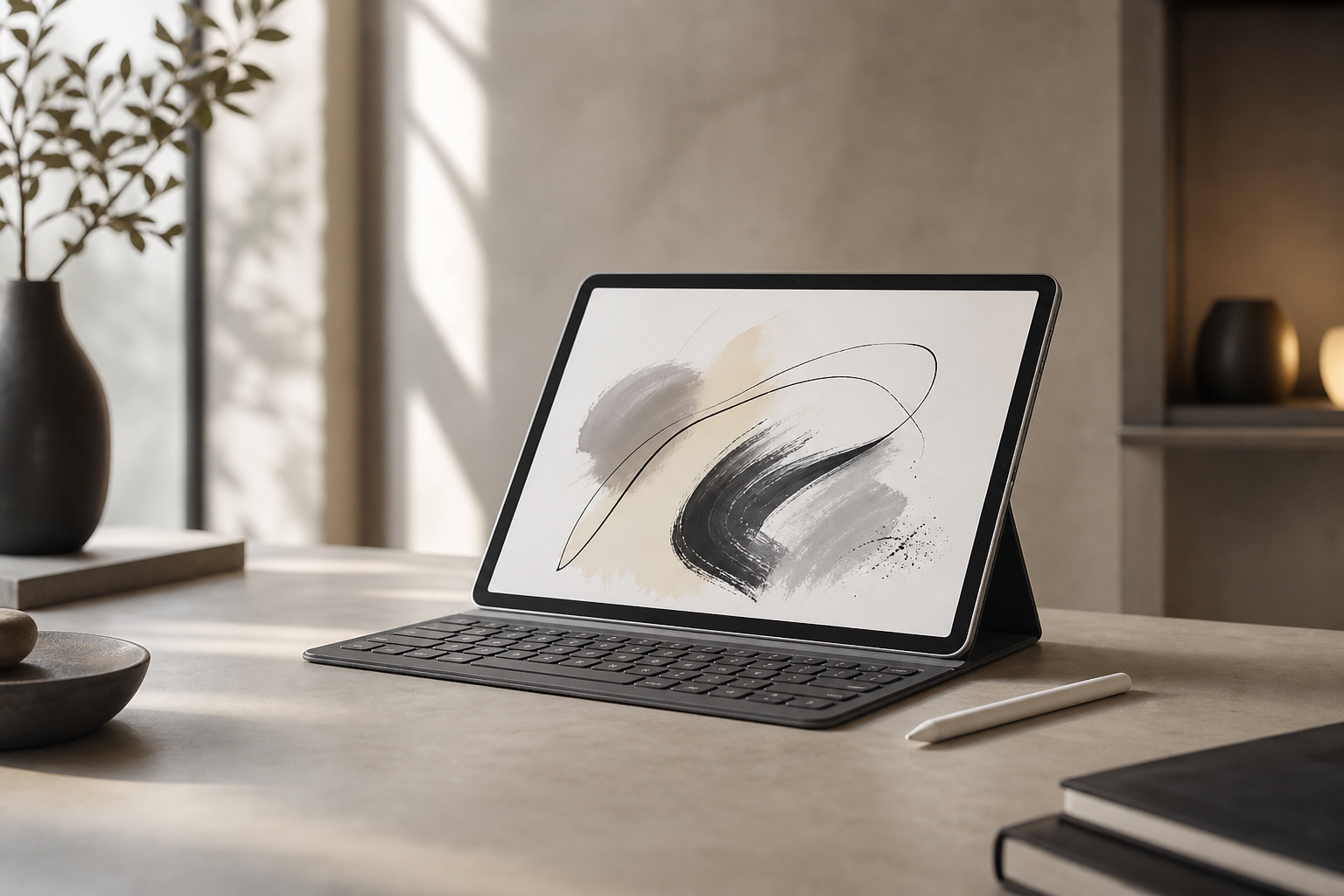
Tablet keyboard and stylus is worth understanding before your next technology purchase. A tablet can be a remarkably flexible device on its own, but the right accessory can change how you use it. A keyboard may make regular writing more comfortable, while a stylus can turn a screen into a useful digital notebook or drawing surface.
That does not mean every tablet owner needs both. Accessories add cost, weight and setup decisions, and their value depends largely on what you do rather than what the tablet is capable of. For occasional browsing, streaming and casual games, the built-in touchscreen may be enough. For study, travel, office work or creative projects, a keyboard or stylus can be a worthwhile upgrade.
Start with the task, not the accessory
The best way to judge a tablet keyboard and stylus is to identify the activities that currently feel inconvenient. Are you typing long messages on glass? Trying to annotate documents? Carrying a laptop for tasks that only require light productivity? Or are you simply tempted by the accessory because it makes the tablet look more complete?
A useful purchase should solve a repeated problem. If you expect to use an accessory only once or twice a month, the extra expense may be difficult to justify. If it removes friction from a daily task, it can make the tablet considerably more useful.
- Choose a keyboard if you regularly write, reply to messages, edit documents or work with spreadsheets.
- Choose a stylus if you take handwritten notes, mark up PDFs, sketch or prefer precise touch control.
- Consider both if the tablet is being used as a portable study or work device with a mix of typing and handwriting.
- Buy neither if your tablet is mainly for video, reading, browsing and occasional casual use.
When a tablet keyboard is worth buying
You write more than short messages
On-screen keyboards are fine for searches, short replies and brief notes. Longer sessions are different. Physical keys provide clearer feedback, leave more of the display visible and can make extended typing feel more controlled.
A keyboard is particularly useful for essays, reports, emails, meeting notes and form-heavy work. It can also make a tablet feel more practical when travelling, especially if you want something lighter and simpler than a traditional laptop.
You want a tablet for study
Students often switch between reading, research and writing. A keyboard can help when drafting assignments or organising notes, while the tablet form factor remains convenient for reading articles, viewing course material and moving around campus.
However, check the software you rely on. A keyboard is only as useful as the apps that support text selection, shortcuts, file management and multitasking in a sensible way. Tablets have improved in these areas, but the experience can still differ from a desktop operating system.
You travel frequently
A keyboard case can provide a practical middle ground between a bare tablet and a laptop. It protects the screen when closed, provides a stand and avoids carrying a separate keyboard. This can be valuable for hotel-room admin, travel planning or light remote work.
Portability depends on the design. A slim keyboard cover may be easy to carry but offer a cramped typing experience. A larger detachable keyboard may be more comfortable while adding bulk. Consider the combined weight, not just the tablet’s listed weight.
You use keyboard shortcuts and desktop-style workflows
People who regularly copy and paste, switch between apps, navigate text or use shortcut commands can benefit from physical keys. Some tablets support shortcuts that make common tasks faster, although the available commands vary by operating system and app.
Before buying, confirm that the keyboard layout suits you and that essential keys are present. A compact accessory may omit function rows, navigation keys or a comfortable way to adjust the tablet’s position.
When a tablet keyboard is probably unnecessary
If your tablet is mainly used for streaming, browsing, reading, recipes or casual gaming, a keyboard may spend most of its life folded away. It can also be poor value if you already own a laptop that handles writing more comfortably.
Keyboard cases may make a tablet heavier and less pleasant to hold in portrait orientation. Some also limit viewing angles or require a rigid surface. If you mostly use the tablet from a sofa or bed, the accessory may be less convenient than expected.
There is also a cost question. A keyboard case can move the total purchase closer to that of a small laptop, without providing the same desktop software or port selection. Compare the complete setup before deciding that a tablet is automatically the cheaper option.
When a tablet stylus is worth buying
You take handwritten notes
A stylus can be valuable for people who think more naturally with handwriting, diagrams and quick annotations. Digital notes are searchable, easier to organise and simple to carry between devices when the relevant app supports synchronisation.
The experience depends on palm rejection, pen tracking and software. A good stylus should allow you to rest your hand on the display without producing unwanted marks, while the note-taking app should make it easy to select, move, erase and organise writing.
You annotate documents or PDFs
Marking up a document with a finger is possible, but precision is limited. A stylus makes it easier to underline, circle, sign, draw arrows and add comments in a controlled way.
This is useful for students, professionals reviewing documents and anyone who prefers to read on screen while making notes. Make sure the apps you use support the file types and annotation tools you need, rather than assuming every tablet handles documents in the same way.
You draw, sketch or edit images
Artists and designers may value pressure sensitivity, tilt recognition and a low-latency writing experience. These features can make strokes feel more expressive and precise, but the tablet’s display size, app support and storage also matter.
A stylus can be useful even for non-professional sketching: planning room layouts, marking up photos, creating diagrams or quickly visualising an idea. The benefit comes from precision and immediacy, not necessarily from advanced artistic features.
You want more accurate touch control
A stylus can make small interface elements easier to select and can reduce the need for repeated zooming. This may help with detailed documents, forms, photo adjustments and other precision-focused tasks.
When a tablet stylus is probably unnecessary
If you rarely write by hand, draw or annotate, a stylus may become an expensive accessory that is easy to misplace. Fingers are perfectly adequate for scrolling, watching videos, browsing and most general tablet interactions.
Styluses also vary widely. Some are designed for particular tablets, while others offer basic touch input without advanced features. Compatibility should be checked carefully: a pen that physically works with a screen may not support pressure sensitivity, palm rejection or shortcuts.
Think about storage as well. A stylus is more useful when the tablet or case has a secure place to keep it. If it is loose in a bag, charging and finding it can become an ongoing nuisance.
Buying both: who benefits most?
A keyboard and stylus make the most sense when your tablet serves several roles. You might type an assignment, annotate a reading, sketch a diagram and then remove the keyboard to read or draw more comfortably.
This combination is attractive for students, mobile professionals and creative users who value a single lightweight device. It is less compelling when the accessories are being bought as a precaution rather than for specific tasks.
There can be compromises. Keyboard cases add weight, while a stylus may need charging or special storage. Switching between laptop-style and handheld use can also be less seamless than using separate devices. Treat the tablet as part of a complete setup, not as an isolated screen.
What to check before buying
- Compatibility: Confirm the exact tablet model, operating system support and required connection method.
- Software support: Check whether your preferred apps support shortcuts, handwriting, pressure sensitivity and document annotation.
- Comfort: Look at key spacing, key travel, writing surface feel and the available viewing angles.
- Portability: Include the accessory’s weight and thickness when comparing the tablet with a laptop.
- Power: Find out whether the accessory charges separately, draws power from the tablet or uses replaceable batteries.
- Protection: A keyboard case may protect the tablet, while a separate keyboard may leave it exposed in a bag.
- Replacement cost: Proprietary accessories can be expensive to replace, particularly if they are easy to lose or damage.
The practical verdict
A tablet keyboard is worth buying when you regularly type enough for the on-screen keyboard to slow you down. A stylus is worthwhile when handwriting, annotation, drawing or precise control is part of your normal routine. Neither accessory is essential simply because a tablet supports it.
For most shoppers, the best decision is to buy the accessory that solves the clearest problem first. If typing is the frustration, start with a keyboard. If writing and marking up the screen are the priority, choose a stylus. Buy both only when you can describe how each will be used regularly.
That approach keeps the tablet portable, avoids unnecessary spending and makes it more likely that the accessories will become useful parts of your everyday setup rather than extras left in a drawer.
Explore more technology reviews, comparisons and buying guides on Compare2Shop.