
Why Processor Efficiency Matters as Much as Speed
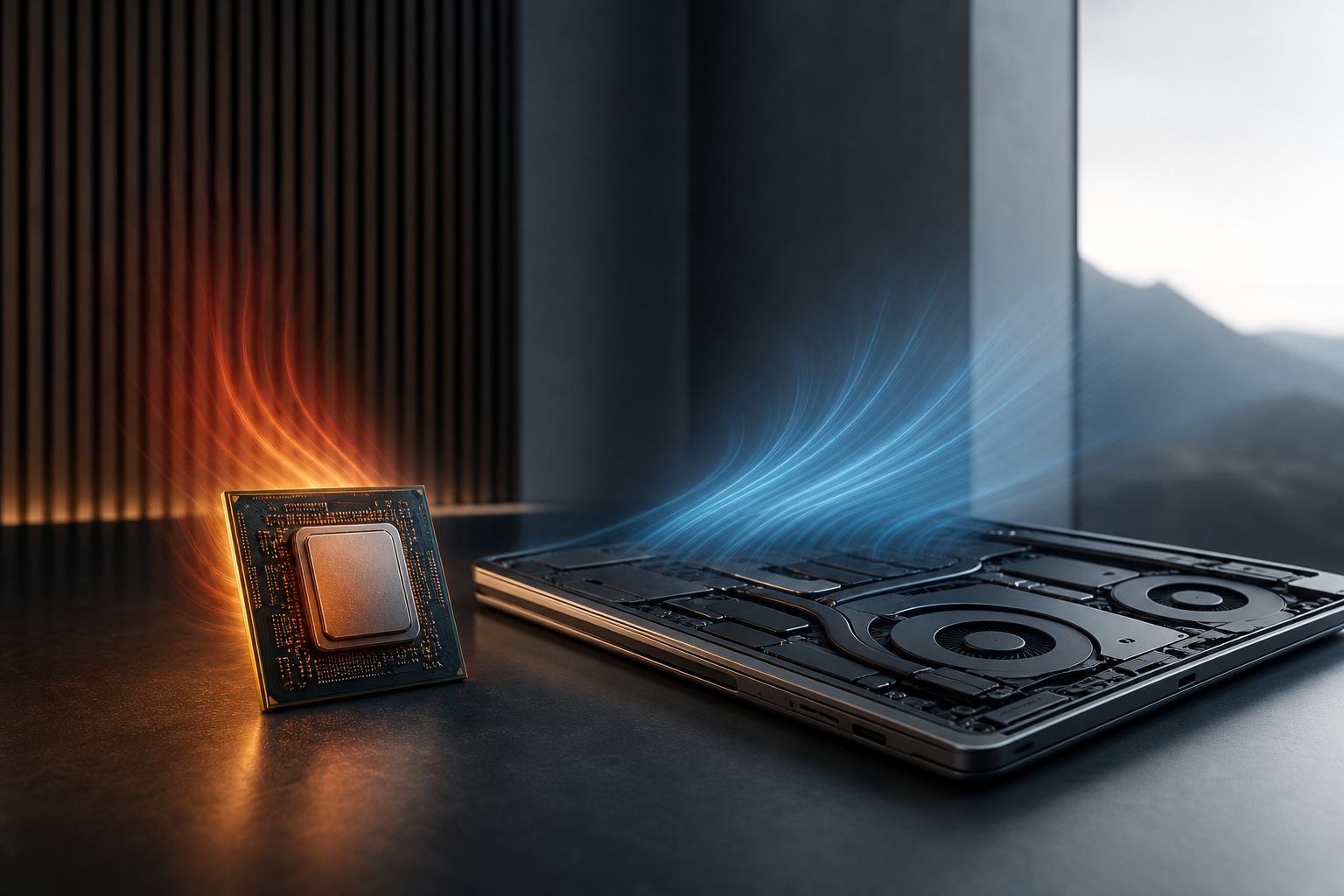
Processor efficiency is worth understanding before your next technology purchase. Processor speed is one of the easiest specifications to compare. More cores, higher clock speeds and newer architectures can suggest stronger performance. But a processor that completes a task quickly is not necessarily the best choice if it also produces excessive heat, demands a large cooling system or drains a laptop battery quickly.
That is why processor efficiency deserves equal attention. In practical terms, an efficient CPU delivers the performance a system needs while using less power and producing less heat. The result can be a quieter desktop, longer laptop battery life, a smaller charger, more consistent performance and lower electricity use.
What processor efficiency actually means
Processor efficiency is not a single specification. It describes how much useful work a CPU can complete for a given amount of power. Two processors may offer similar performance, but the more efficient model can achieve it using less energy.
Efficiency depends on several factors:
- Architecture: The design of the CPU affects how effectively it handles instructions and manages power.
- Manufacturing process: Smaller, more advanced production processes can help place more capability into a lower power envelope, although the outcome depends on the whole design.
- Core layout: Some processors combine high-performance cores with more efficient cores so the system can match the hardware to the workload.
- Power management: Modern CPUs can reduce voltage, clock speed and active cores when full performance is unnecessary.
- Workload: A processor may be efficient for web browsing but draw considerably more power during video editing, gaming or software compilation.
Efficiency should therefore be viewed alongside performance, rather than treated as an alternative to it. A processor that uses little power but cannot meet your needs is not a good value. The goal is an appropriate balance.
Why heat matters to performance
Power consumed by a processor is largely converted into heat. The more power a CPU uses, the more heat the computer must remove. This creates a chain of effects that can influence everyday use.
When temperatures rise, a system may reduce processor speed to stay within safe operating limits. This behaviour, commonly known as thermal throttling, can make performance less consistent during long tasks. A CPU may appear fast in a short burst but slow down after several minutes of sustained rendering, gaming or data processing.
Better efficiency can reduce that problem. If a processor produces less heat while delivering the required performance, the cooling system has an easier job. That can help the CPU maintain its intended performance for longer, particularly in compact laptops and small desktop systems where airflow is limited.
Cooling affects noise, size and reliability
Cooling is not just a technical concern for enthusiasts. It directly affects how a computer feels to use.
A high-power desktop processor may require a larger air cooler, a more substantial case and several fans. A laptop with a demanding CPU may need a thicker chassis, larger vents or more aggressive fan profiles. These designs can still offer excellent performance, but they may be louder or less portable than an efficient alternative.
Efficient processors give manufacturers more flexibility. A thin laptop can deliver responsive general-purpose performance without relying on constant fan activity. A compact desktop can stay quieter with less elaborate cooling. Lower operating temperatures may also reduce stress on components over time, although system longevity depends on the quality of the entire design and how the machine is used.
What to listen for when comparing systems
- Does the laptop remain quiet during browsing and office work?
- Does the desktop include adequate cooling for the selected processor?
- Is the system designed for sustained workloads, or mainly short bursts?
- Can the cooling system be cleaned or upgraded?
- Are performance modes likely to increase fan noise and power use?
Efficiency is especially important in laptops
For laptop buyers, processor efficiency is closely tied to battery life. A CPU that completes everyday tasks with modest power demand leaves more energy for the display, wireless hardware, storage and other components.
Battery life is not determined by the processor alone. Screen brightness, panel technology, operating system settings, background applications, battery capacity and wireless activity all matter. Even so, the CPU can make a noticeable difference, particularly when a laptop is used for mixed workloads such as browsing, video calls, document editing and media playback.
Efficiency also affects the charging experience. Lower power demand can reduce the need for a large power adapter and may help a laptop maintain useful battery life during demanding periods. Some systems offer configurable performance modes, allowing buyers to choose between maximum speed, balanced operation and quieter, lower-power use.
For frequent travellers, students and hybrid workers, a slightly slower processor with strong efficiency may be more useful than a faster chip that shortens unplugged working time or produces frequent fan noise.
Desktop buyers should consider power draw too
Desktops are connected to mains power, so efficiency is sometimes overlooked. However, power draw still matters.
A more efficient desktop can use less electricity during long working sessions. This is relevant for computers that run every day, remain active for extended periods or perform sustained workloads. Lower power use can also reduce the amount of heat released into a room and make it easier to build a quiet system.
There is a practical trade-off. High-performance desktop CPUs can provide excellent results for demanding applications, but they may require stronger cooling and a more capable power supply. Buyers should consider the complete platform rather than choosing a processor in isolation.
For a home office or general-purpose computer, prioritising moderate power use and low noise may make more sense than selecting the highest available performance tier. For professional rendering, simulation or other heavy workloads, higher power may be justified if it significantly reduces task completion time.
How to compare speed and efficiency
Clock speed alone is not a reliable way to compare modern processors. Different architectures can complete different amounts of work at the same frequency, while power limits can affect how long a CPU maintains its peak speed.
When researching a processor or computer, look for information about:
- Performance in your applications: A processor suited to office work may not be ideal for video editing or 3D rendering.
- Sustained performance: Long workloads reveal whether heat and power limits reduce speed over time.
- Typical system power: A processor specification does not always represent the total power used by the finished computer.
- Cooling design: The same CPU can behave differently in a large desktop, compact PC or thin laptop.
- Battery capacity and display use: Laptop efficiency must be considered as part of the full system.
- Noise preferences: A quiet computer may be worth more to you than a small performance advantage.
Independent reviews can be useful when they measure both performance and power during realistic tasks. Pay attention to results over time, not just short benchmark peaks. A system that finishes a workload quickly while using reasonable power may offer a better balance than one that briefly records a higher score.
What efficiency trends are worth watching?
Processor design is continuing to move towards more flexible power management. Hybrid core layouts, smarter scheduling and improved standby behaviour are increasingly important as computers handle a wider mixture of workloads.
Manufacturers are also placing greater emphasis on performance per watt. This matters across laptops, desktops and compact computers, particularly as buyers expect longer battery life, quieter operation and more capable portable systems. Efficiency-focused designs are not limited to low-performance machines; they can support strong performance while keeping heat and power within manageable limits.
For shoppers, the key is to treat these developments as buying priorities rather than chasing a particular specification. A newer or more efficient design may be attractive, but the finished computer's cooling, software configuration and power limits still determine the experience.
The practical buying conclusion
The fastest processor is not automatically the best processor. Speed matters when you have demanding work to complete, but efficiency influences almost everything around that performance: temperatures, fan noise, battery life, system size, sustained speed and running costs.
Choose a processor that matches your workload, then consider how the computer is designed to cool and power it. Laptop buyers should give efficiency and battery behaviour particular weight. Desktop buyers should balance performance with cooling requirements, electricity use and noise.
In many systems, the best choice is the processor that delivers enough speed without constantly operating at its limits. That balance can make a computer feel faster, quieter and more dependable in everyday use than a headline-grabbing chip that demands more power than your needs justify.
Explore more technology reviews, comparisons and buying guides on Compare2Shop.